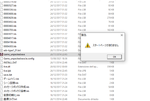
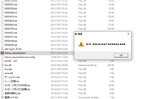
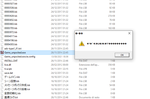
The game don't require much normally. Closing immediatly is usually either a language setting problem or a virus (read : anti virus) problem.
So I'll sugest you try 2 thing :
- Add an exception to your AV (or turn it of) and start the game again.
- Even in japanese setting, name too long or even sometime just with non local character can make a Japanese game crash, so try to move the game to a folder with a short path and a simple name (like c:\ RE304544\ to try it out).
No luck with either, I'm afraid! I turned off windows defender's real-time scanner, added an exception to the firewall just in case, disabled malwarebytes and etc. Then I moved the game to C:/, still just crashes.
I did forget to mention that sometimes the window it opens stays there for a moment before it goes unresponsive, then crashes. I ran the program through command prompts to see if it would linger and give me an error message, but no luck with that either.
I did get the program running on my Desktop, just japanese local and language and I was good to go. I've had other issues with this laptop and some applications, and I'm beginning to wonder if the bloatware ASUS shoved on here is to blame. Thanks for the help anyway.